

ClusterVisor feature
Disaster recovery
With the ClusterVisor appliance, recovering a node can be as simple as redeploying its image.
Disaster recovery
ClusterVisor can help you recover your system when disaster strikes. Because the ClusterVisor appliance can provision every node in your cluster, including head nodes, login nodes and storage, any node can be easily redeployed. Learn more about provisioning.
As the system administrator, you can create new images of important nodes, or update existing ones, on your own schedule, so the appliance always has the latest copy. Recovery can be as simple as reinstalling the same machine, or even deploying to a brand-new bare-metal machine.
You can create as many images as you wish, limited only by disk space. Creating an image takes just a few minutes from a running system, and deploying images back to nodes takes minutes too.
Reinstalling nodes
If you deploy ClusterVisor on a head node instead of an appliance, you can still recover your compute nodes. But because the head node is running ClusterVisor, it can’t recover itself. That’s one reason we recommend deploying ClusterVisor on an appliance.
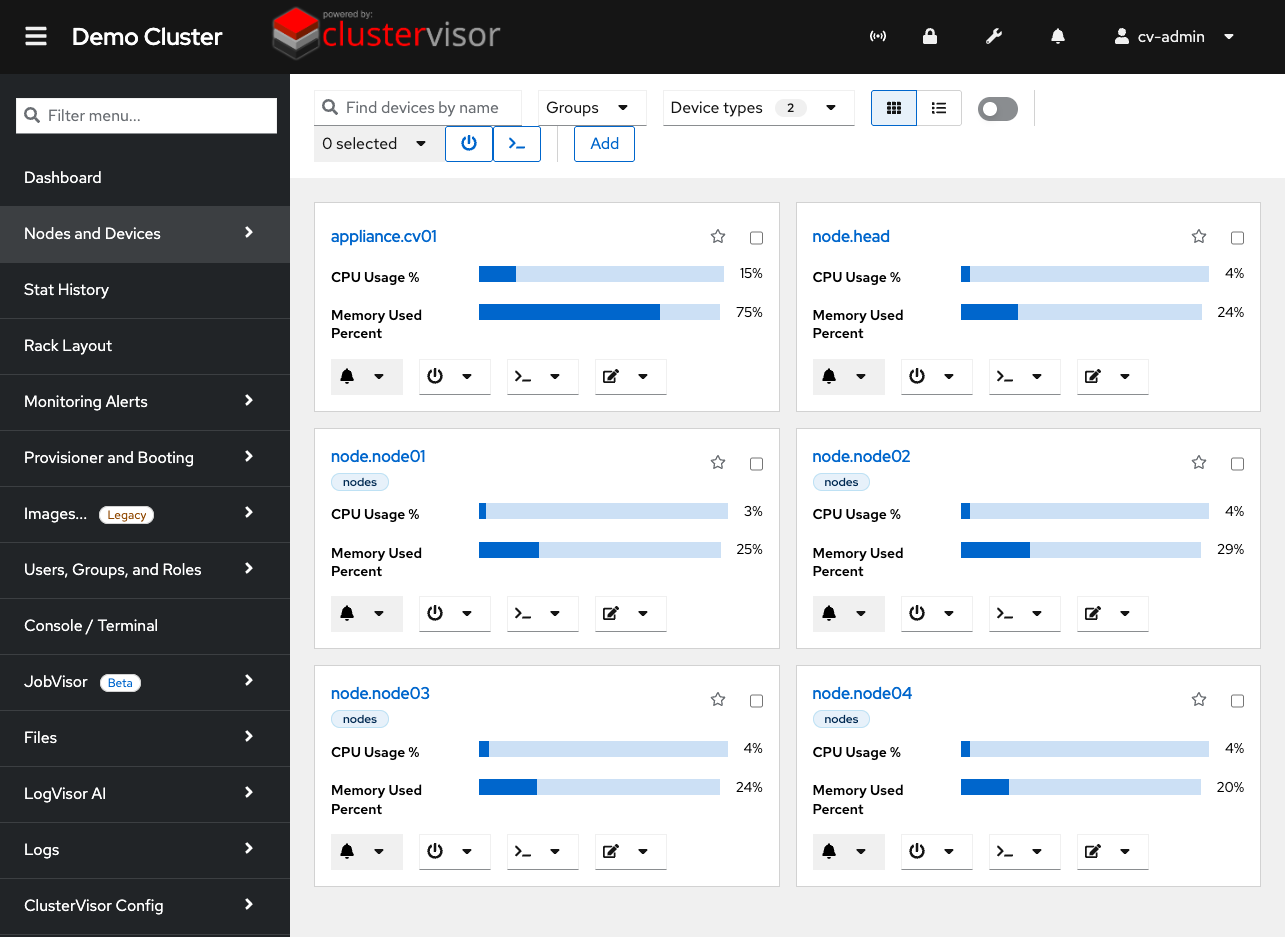
Click the screenshot to enlarge
See it on your cluster.
We’ll walk you through ClusterVisor with one of our HPC/AI engineers.
Request your demoExplore more features.
Monitoring, provisioning, JobVisor, LogVisor AI and more: twelve tools in one platform.
All ClusterVisor features
Engineering the future of HPC and AI
info@advancedclustering.com(866) 802-82223148 Roanoke Road, Kansas City, MO 64111