

ClusterVisor feature
Customizable dashboards
Dashboards help you see cluster-wide information and compare nodes or devices against each other.
Dashboards
ClusterVisor has a lot of information about the nodes and devices in your cluster. Dashboards help you make sense of it.
Easily spot which nodes are running hotter or are more utilized than others. You can also bring in data from other devices such as PDUs, UPSs and air conditioners.
Administrators can customize dashboards with any number of widgets to visualize data in the most useful way. Available widgets include:
- Tables of data
- Graphs
- Gauges
- Rack diagrams
- Scheduler details
Dashboard customization is completely point-and-click in the web UI. No coding required.
Role-based access control (RBAC)
Each dashboard can be tied into ClusterVisor’s role-based access control to choose which users can view it. For example, users might see some details about nodes and the scheduler, while administrators also see data center environmentals.
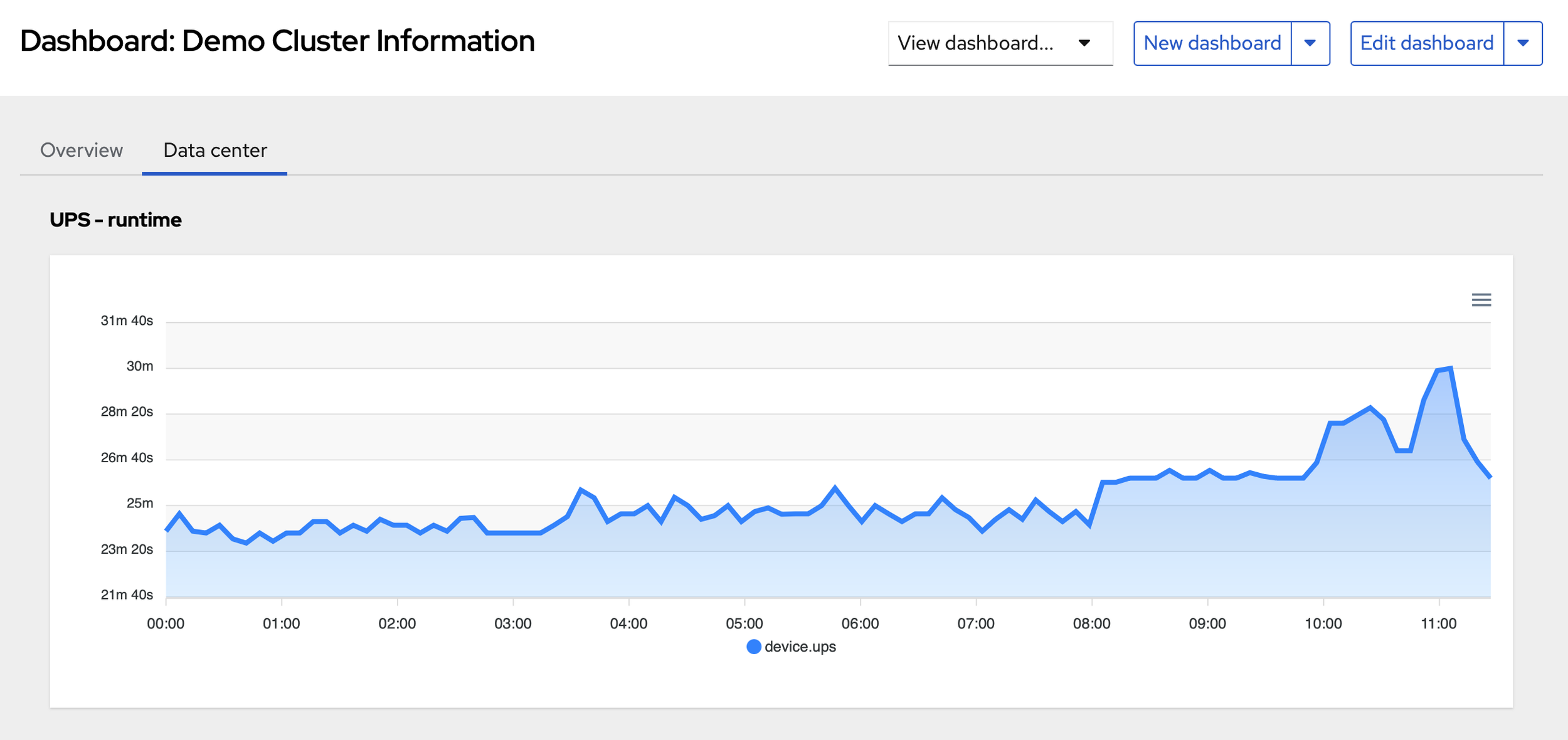
Click the screenshot to enlarge
See it on your cluster.
We’ll walk you through ClusterVisor with one of our HPC/AI engineers.
Request your demoExplore more features.
Monitoring, provisioning, JobVisor, LogVisor AI and more: twelve tools in one platform.
All ClusterVisor features
Engineering the future of HPC and AI
info@advancedclustering.com(866) 802-82223148 Roanoke Road, Kansas City, MO 64111