

ClusterVisor feature
Configuration management
ClusterVisor becomes the point of truth for your entire cluster, storing the configuration for the whole system.
Your entire cluster configuration behind an easy-to-use web GUI
ClusterVisor gives you an easy-to-use web GUI and command line tools to manage your configuration. Everything is stored as a series of collections and sections in the database on the ClusterVisor appliance or server. The collection is the type of data, and the section is the individual item. Each collection has its own schema, with properties specific to its data type. For example, node.head refers to the collection node and a section named head. All configuration data is stored in this collection.section pattern.
Some of the collections in ClusterVisor
- node: every node in your cluster
- chassis: multi-node chassis (for example, a 2U with four nodes, or blade systems)
- switch: Ethernet or fabric switches (InfiniBand, Omni-Path, etc.)
- device: other hardware such as PDUs, UPSs and HVAC
- appliance: dedicated ClusterVisor appliances
- group: a grouping of nodes, chassis, switches and devices
- cloner_image: operating system images that can be deployed to nodes
- cloner_disk_layout: partitioning, file system, software RAID and LVM configuration for stateful images
And many more.
Manage configuration from the command line or web GUI
Every configuration field can be managed from the command line or the web GUI. The web GUI makes it easier to discover all the available fields and values; the command line can be faster once you’re familiar with the syntax and options.
Configuration plugins
The node and appliance collections support plugins. Plugins take the data stored in ClusterVisor and actually apply it to the nodes. Some of the most popular:
- Boot options: configure how a node boots
- Chronyd: set up the chrony daemon to synchronize a node’s date and time
- Cloner server: manage the cloner server
- DHCP/DNS server: run DHCP and DNS internal to the cluster network
- IPMI settings: configure IPMI and out-of-band management interfaces
- LDAP auth: set up LDAP authentication on the nodes
- YUM/DNF repo server: run an internal RPM repository for the cluster
- Serial console: manage serial console settings
- Slurm server: manage the Slurm configuration and partitions
- Slurm client: make a node a Slurm worker ready to run jobs
For example, the networking plugin takes all the networking configuration stored in ClusterVisor and configures IP addresses, gateways, DNS and so on.
Plugins can be enabled or disabled
Each plugin can be turned on or off, depending on whether you want ClusterVisor to manage that part of the system. For example, if you have a very advanced authentication setup that you’d rather manage yourself, you can disable the LDAP plugin.
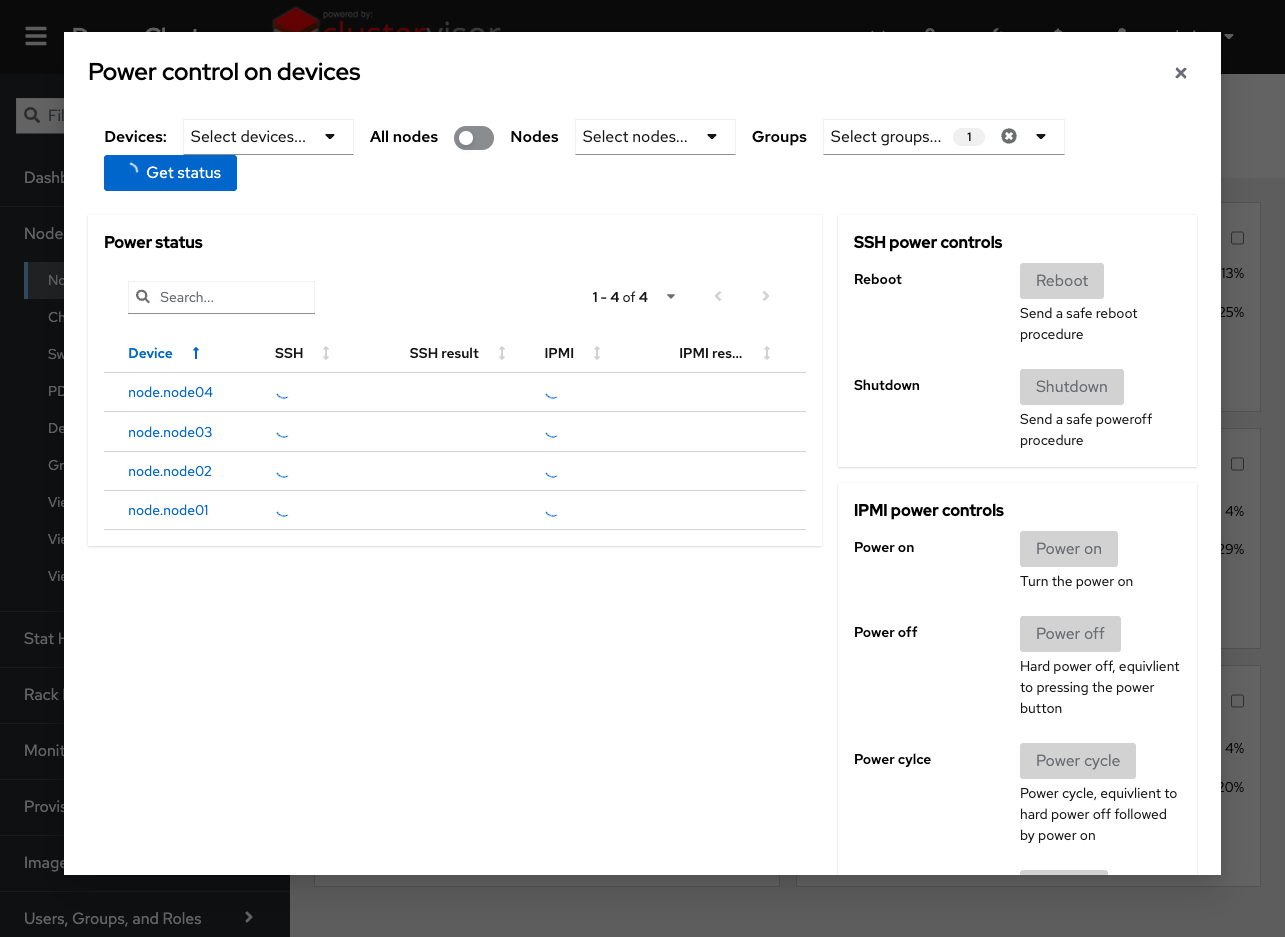
Click the screenshot to enlarge
See it on your cluster.
We’ll walk you through ClusterVisor with one of our HPC/AI engineers.
Request your demoExplore more features.
Monitoring, provisioning, JobVisor, LogVisor AI and more: twelve tools in one platform.
All ClusterVisor features
Engineering the future of HPC and AI
info@advancedclustering.com(866) 802-82223148 Roanoke Road, Kansas City, MO 64111