
← All ClusterVisor features
ClusterVisor feature
Command line tools
Many system administrators prefer the command line to a GUI. ClusterVisor was designed to support both styles.
ClusterVisor includes a full set of command line tools that let administrators use every ClusterVisor feature from the terminal.
Configuration tools
cv-conf: add, edit and delete entries in the configuration databasecv-commit: push configuration changes to the nodescv-db-image: back up and restore the ClusterVisor configurationcv-statsadm: manage the stats databasecv-health: check the status of all ClusterVisor daemons across the clustercv-upgrade: check for new ClusterVisor versions on all nodes and upgrade if available
Node provisioning
cv-distro: upload, add and manage Linux distributions on the appliance or ClusterVisor servercv-image: create, edit and manage the operating system images booted on nodescv-cloner: pull images or disk layouts from running systems
Node management
cv-exec: run commands in parallel across nodes or groups of nodescv-cp: copy files from the current system to multiple nodes or groupscv-netboot: set how a node will start up on its next bootcv-power: power nodes on, off or cycle themcv-sel: pull the hardware event log from nodescv-sensors: pull all hardware sensor readings from nodescv-console: connect to a node’s console and watch it boot
User management
cv-useradm: manage users and groups in ClusterVisor’s internal LDAPcv-slurmadm: sync system users to Slurm accounting userscv-sshkey: create, diagnose and manage user SSH keys
Statistics and alerts
cv-stats: query the stats databasecv-alerts: view and acknowledge alertscv-write-stat: inject custom stats into ClusterVisor
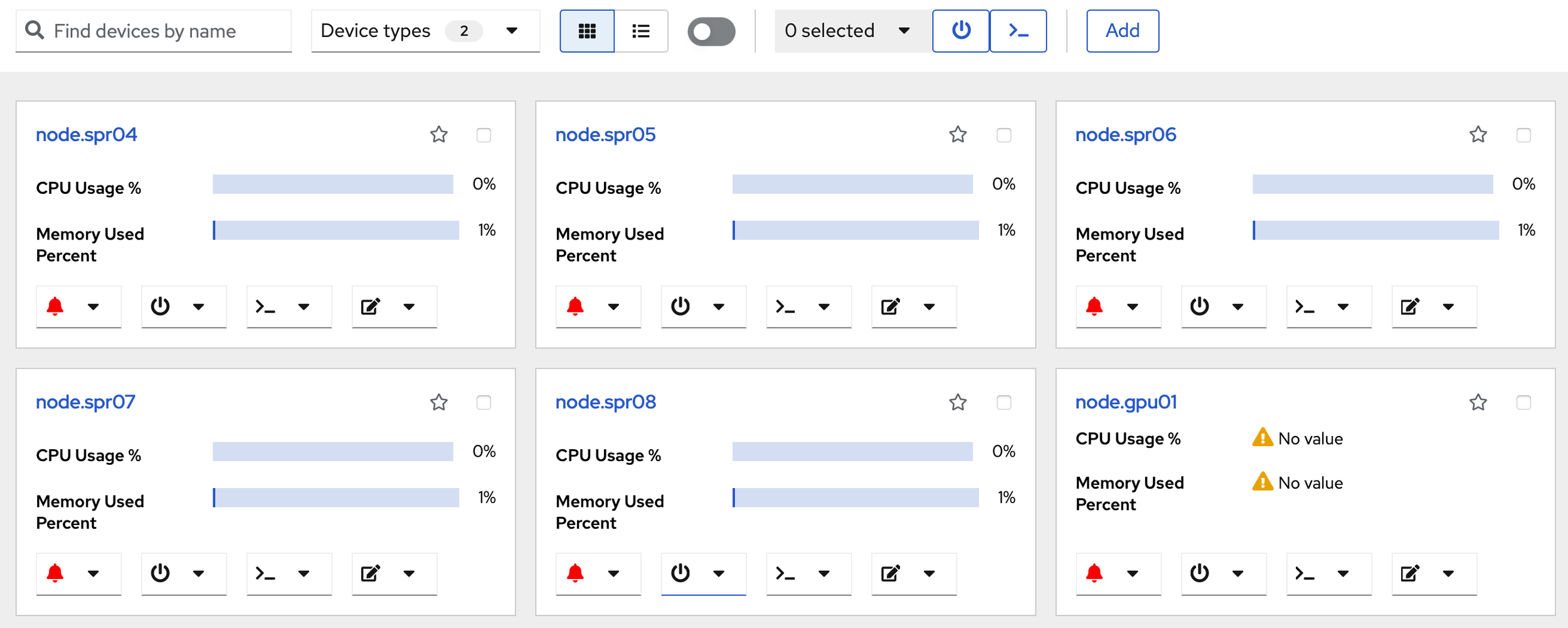
Click the screenshot to enlarge
See it on your cluster.
We’ll walk you through ClusterVisor with one of our HPC/AI engineers.
Request your demoExplore more features.
Monitoring, provisioning, JobVisor, LogVisor AI and more: twelve tools in one platform.
All ClusterVisor features
Engineering the future of HPC and AI
info@advancedclustering.com(866) 802-82223148 Roanoke Road, Kansas City, MO 64111